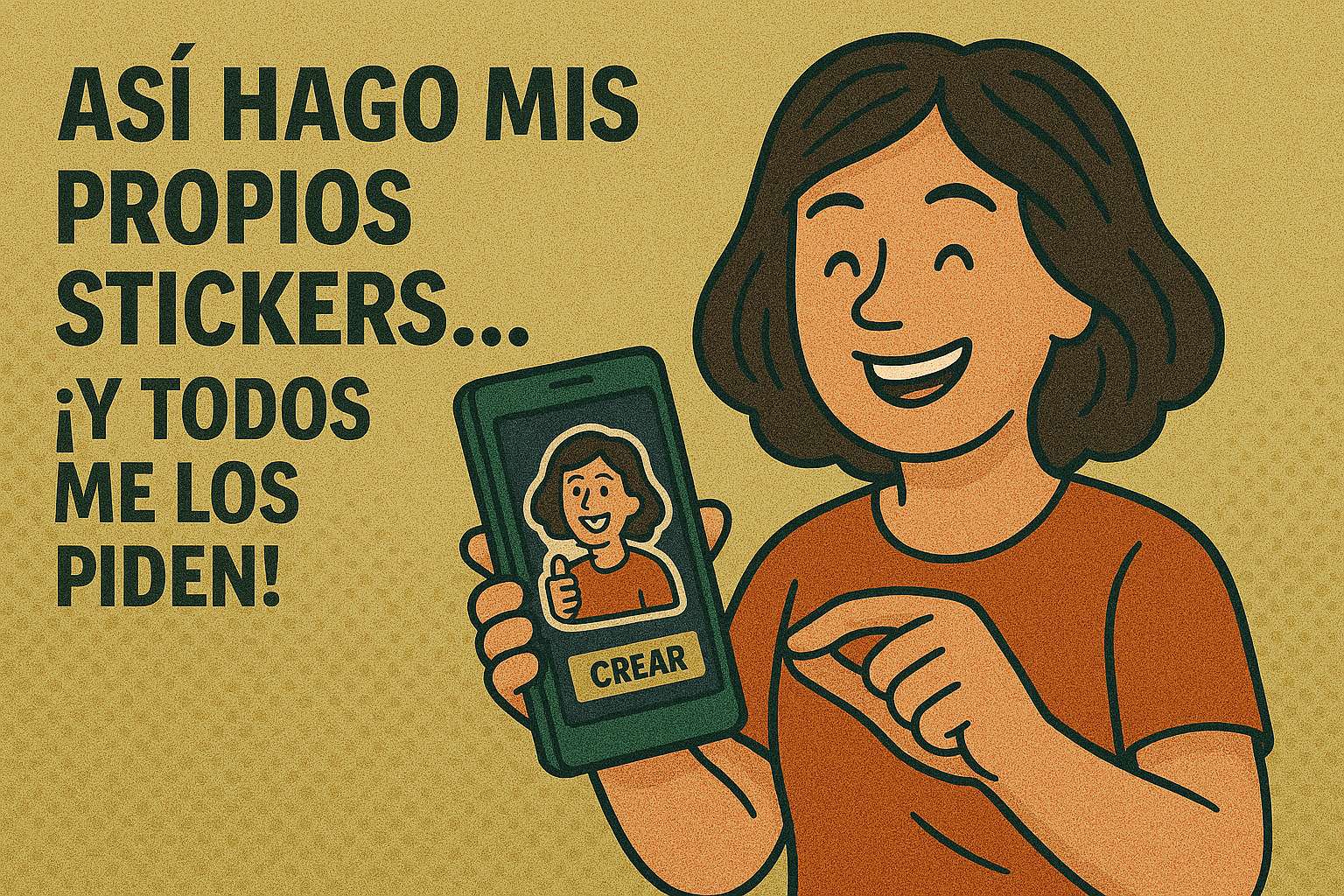
Stickers have become an essential part of our conversations. Whether it’s to make someone laugh, summarize an emotion, or send a stylish message, personalized stickers are a fun, direct, and increasingly popular way to express yourself.
And the best part is that you no longer need design skills or complicated tools to create your own. From your phone, with easy-to-use apps, you can transform any photo, phrase, or idea into a sticker that reflects your personality.
Below, we show you the best apps for creating stickers, available for Android, iOS, or both platforms, with details on how they work, who they are recommended for, and what you can achieve with each one.
1. Sticker Maker Studio
Platform: Android and iOS
App type: Basic sticker creator from photos
What is it?
Sticker Maker Studio is one of the best-known apps for creating custom sticker packs. Its main appeal lies in its simplicity: you can create a sticker in just a few steps from a photo in your gallery.
What you can do:
- Select an image and crop it manually.
- Remove the background easily
- Create sticker packs and export them directly to WhatsApp
Advantages:
- Intuitive and fast interface
- Very lightweight, works well on older devices
- No registration or advanced settings required
Points to consider:
- Some advanced features are only available in the premium version (for example, removing the watermark)
- The cropping is manual, which can be slower if you’re looking for precision.
Ideal for: Those looking for a simple app to start creating stickers without complications.
Sticker Maker Studio
2. Wemoji
Platform: Android
App type: Sticker editor with customization tools
What is it?
Wemoji is a very popular app among Android users because of its precise manual editing capabilities. It offers complete control over the cropping and customization process for each sticker.
What you can do:
- Crop photos in detail using a pencil or lasso tool
- Add text with different styles, colors, and sizes.
- Include emojis, decorations, and effects
- Export directly to WhatsApp or Telegram
Advantages:
- Very good level of detail in the manual cropping
- Wide variety of free options
- Ideal for users who enjoy maximum customization
Points to consider:
- It contains ads that may interrupt the process
- The interface may seem a bit cluttered at first
Ideal for: Android users who want to create more elaborate and detailed stickers.
Wemoji
3. Top Sticker Maker
Platform: iOS
App type: Sticker creator optimized for iMessage
What is it?
This app is designed specifically for iPhone users who frequently use iMessage. While you can also export to other platforms, its integration with the Apple ecosystem is its main strength.
What you can do:
- Create stickers from photos or illustrations
- Use automatic tools to remove the background
- Organize stickers into packs to share via iMessage or WhatsApp
Advantages:
- Very well integrated with iOS devices
- Modern and fluid interface
- Good image export quality
Points to consider:
- Some features are locked in the free version
- It is not available for Android.
Ideal for: iPhone users who want to quickly create stickers and share them in iMessage.

Top Sticker Maker
4. Canva
Platform: Android, iOS, and web version.
App type: Design platform with sticker creation features.
What is it?
Canva is a very versatile design tool, and although it’s not exclusively designed for stickers, many people use it to design them from scratch thanks to its cropping, editing, and PNG export features with transparent backgrounds.
What you can do:
- Design your own stickers from a template or from scratch
- Add text, graphics, and emojis
- Use your own photos or photos from Canva’s image bank
- Export in PNG format with a transparent background for use as a sticker
Advantages:
- A large number of creative tools
- Access to free and premium visual elements
- Multiplatform: you can work from your mobile phone or computer
Points to consider:
- It requires more editing time than a sticker-only app.
- Some key features (like backgroundless export) are in Canva Pro
Ideal for: Users who want to create stickers with a professional finish or for more creative and commercial purposes.
Canva
What should you consider before choosing an app?
Before you start designing your own stickers, it’s worth considering a few points:
- Do you want something quick and straightforward, or do you prefer to edit in more detail?
- How much control do you need over cropping or typography?
- Do you prefer an app that also works on the computer?
- Does it bother you to see ads while using the device?
Depending on your answers, one app may be a better fit for your style and needs than another.
Quick comparison between the apps
| App | System | Editing level | Automatic cropping | Export to WhatsApp | Ideal for… |
|---|---|---|---|---|---|
| Sticker Maker Studio | Android/iOS | Essential | No | Yeah | Get started without complications |
| Wemoji | Android | Advanced | No | Yeah | Create detailed stickers |
| Top Sticker Maker | iOS | Half | Yeah | Yeah | iMessage users |
| Canva | Android/iOS/Web | Professional | Yes (Pro) | Yeah | Free and customized design |
What kind of stickers can you create?
The only limit is your imagination. With these apps you can do:
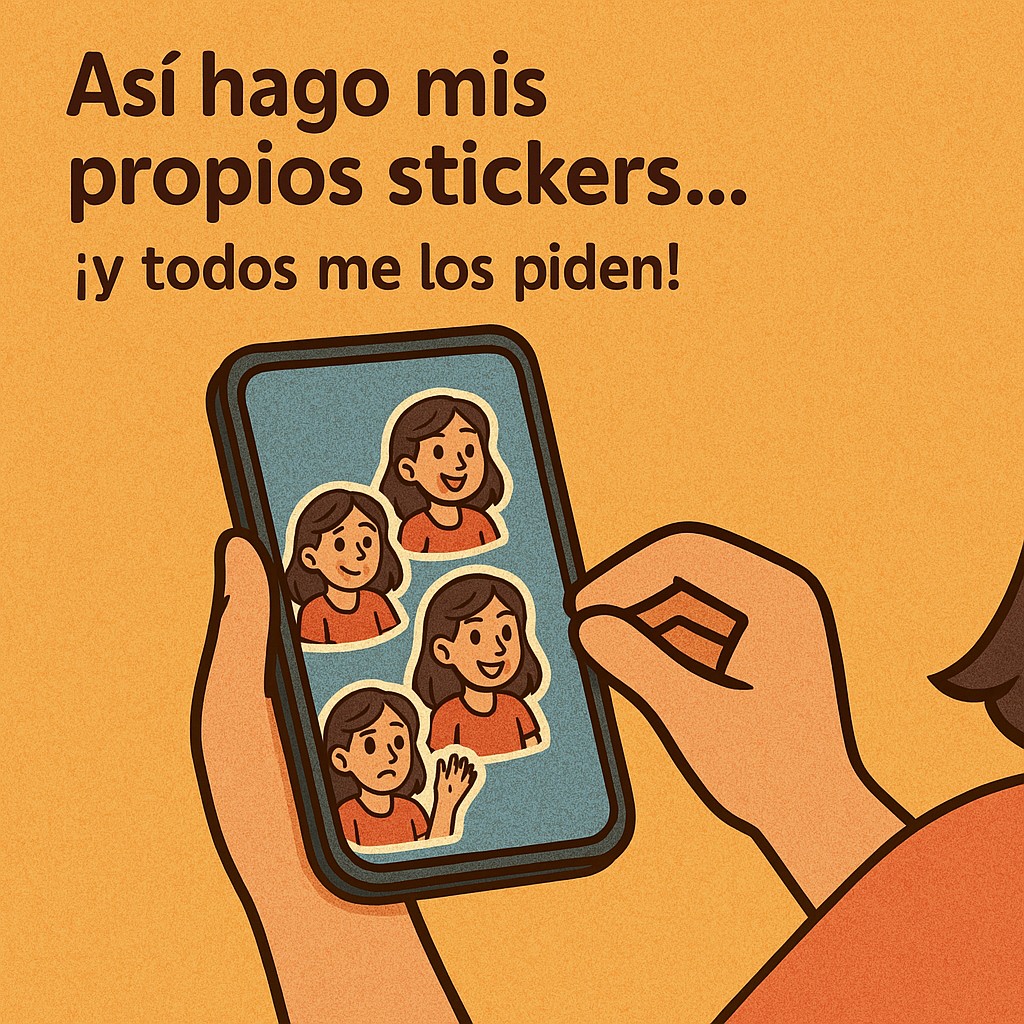
- Stickers with your face or your friends’ faces
- Stickers with funny phrases from the group
- Stickers of your pet
- Themed stickers (birthday, love, work)
- Stickers for social media or to promote a personal brand
Where are stickers used?
Although most people think of WhatsApp or Telegram, your stickers can go much further:
- In Instagram stories or reels
- In videos edited on a cell phone
- As part of designs in Canva
- In digital campaigns, memes, or presentations
Are premium features worth paying for?
In many cases, the free versions are more than enough. However, if you use these apps frequently, unlocking the premium version can give you access to:
- Watermark removal
- Exports with transparent background
- Automatic cropping functions
- Exclusive graphic elements
- Unlimited project saving
Before paying, try the free version and see if you need more tools.
Special mention: creating stickers directly in WhatsApp
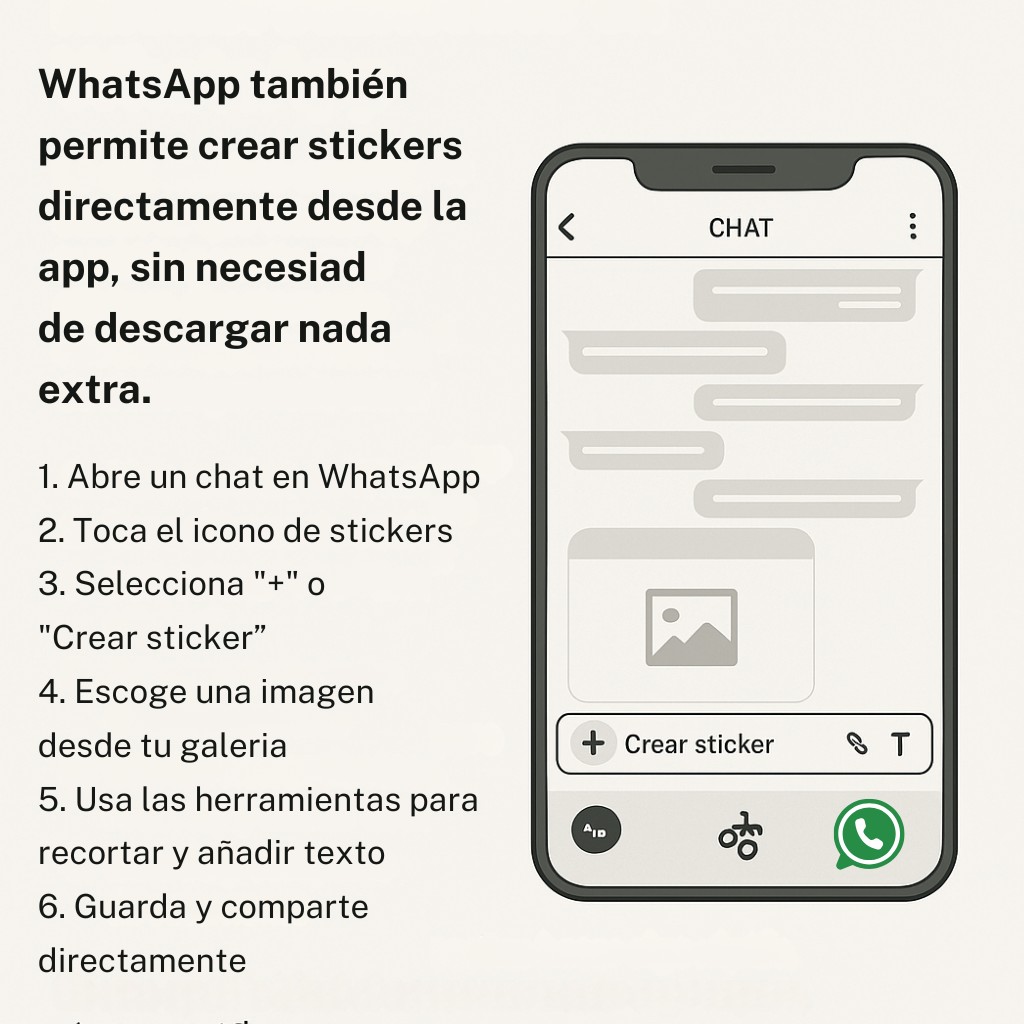
What many users don’t know is that WhatsApp also allows you to create stickers directly from the app , without needing to download anything extra.
This feature is available in the latest versions of WhatsApp, on both Android and iOS. To use it:
- Open a chat in WhatsApp
- Tap the sticker icon
- Select “+” or “Create sticker”
- Choose an image from your gallery
- Use the tools to crop and add text
- Save and share directly
It’s an ideal option if you need to do something quickly, without so many edits or steps.
Your creativity, your rules
Creating stickers on your phone is one of the most accessible and fun ways to express yourself. Whether you want to laugh with your friends, make something special for your partner, or even share content as a brand or creator, there’s always an app that’s right for you.
Now that you know the main options, choose the one that best suits your style and needs. Click on the corresponding button and you will be directed to the official website of each tool.